
Login Process
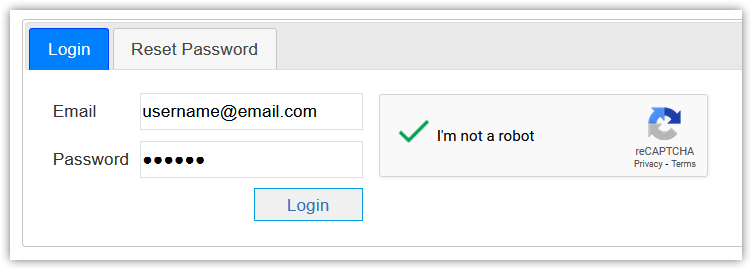
Once a new user is created, an auto-created password is sent to user's email automatically.
|
To complete login process and for more security, reCAPTCHA must be checked. |

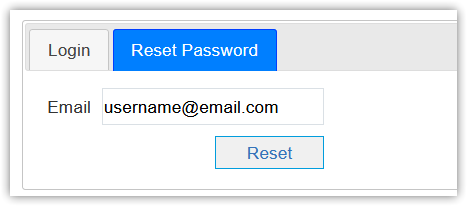
If you forgot your password, you can reset password and will be sent automatically to your email.
Incorrect Login Attempts:
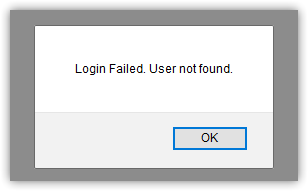
- In case of incorrect email, login failed and error message is displayed.
- In case of incorrect password, there is a maximum allowed number of successive incorrect login attempts (5):
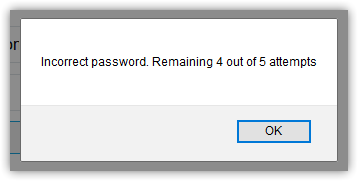
- At the first 3 attempts, error message is "Incorrect password, Remaining N out of 5 attempts."
- N: number of incorrect password attempts
- For example, at the 1st time:
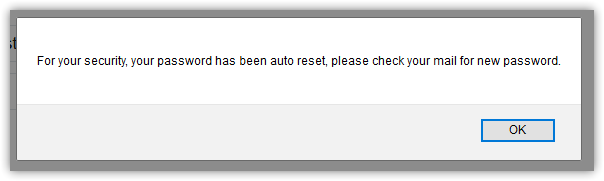
- At the 4th attempt, password is being auto reset.
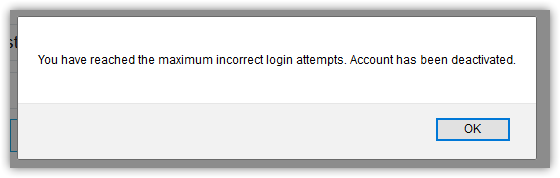
- At the 5th attempt, account is being deactivated.
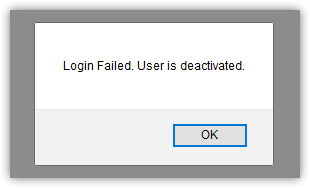
- Then, user will not be able to login again till account is reactivated.
- If a user is inactive for 90 days, account is auto-deactivated. (All user access rights are kept till account is reactivated).
- If a user is in active for one year, account is auto-deactivated, and all access rights are stripped off (is being set to 'Watcher' User Role without any sites assigned).
- User inactivity interval is calculated from last successful login if any, otherwise, account's creation date is used instead.