
Creating Additional Users
The administrator has the authority to create additional accounts with configurable access privileges, including viewing readings, accessing trend data, modifying configurations, or assigning administrative rights to another account. The administrator can also modify the username, password, and access permissions of existing accounts.
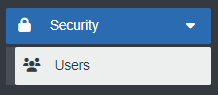
- Select "Users" under "Security" menu item.
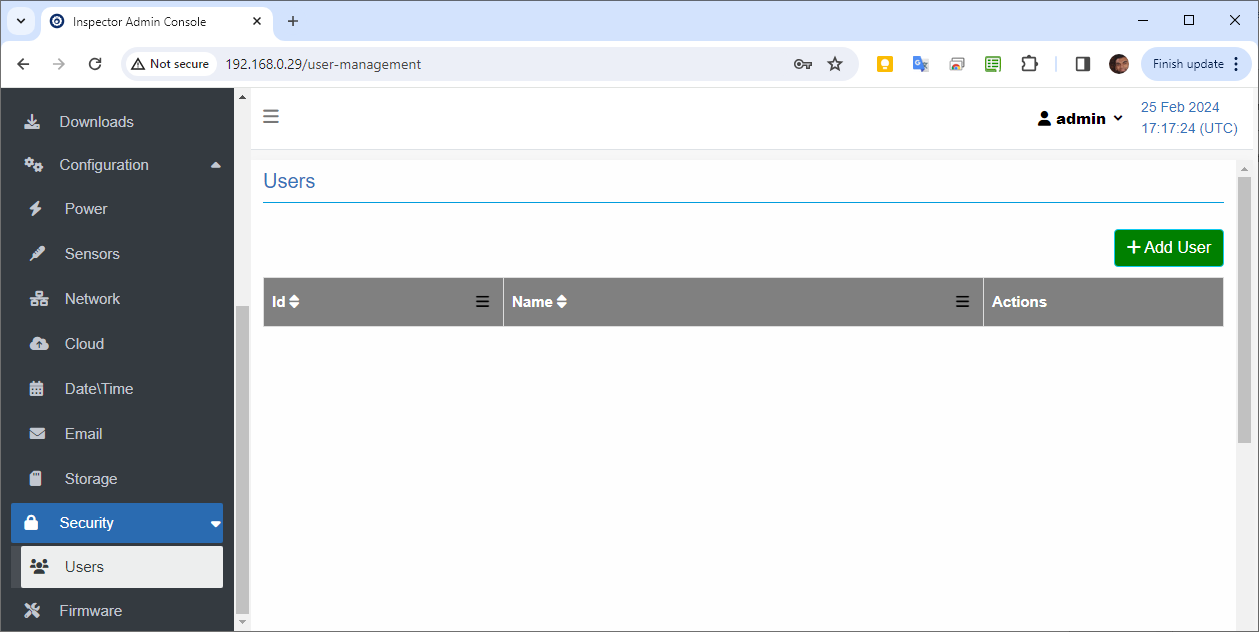
- Click Add User button.
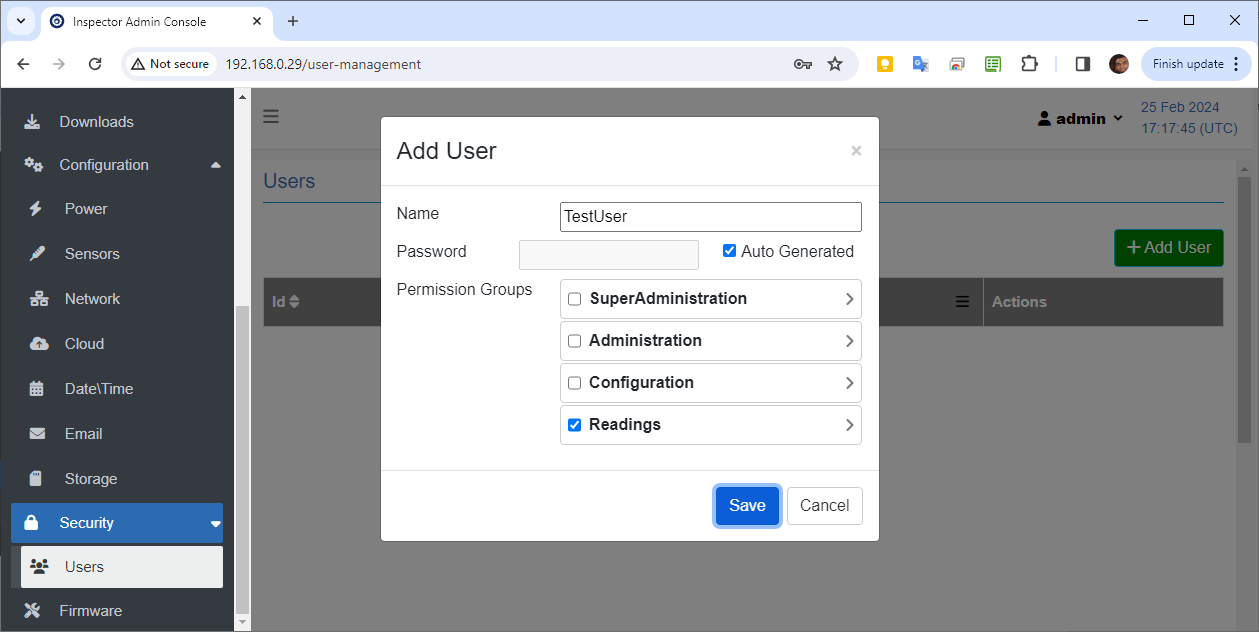
- Write User name.
- Password can be auto generated or manually set.
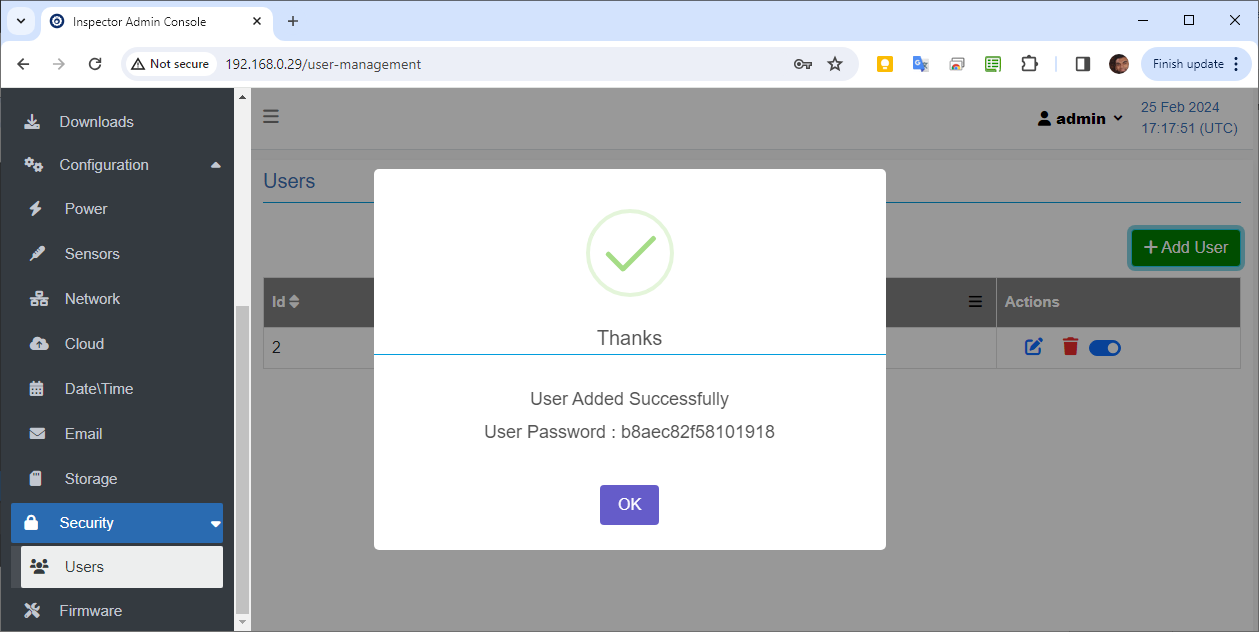
The auto-generated password is displayed in the success message.
Created with the Personal Edition of HelpNDoc: Produce electronic books easily