
Main Unit
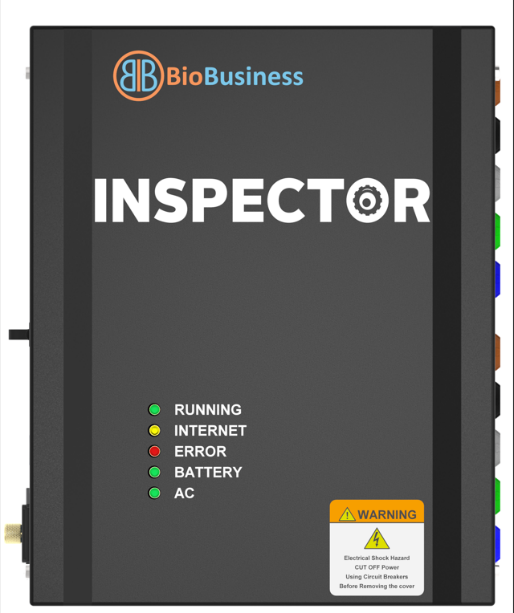
- LED Indicators:
|
Color |
Name |
Indication |
|
Green |
Running |
|
|
Yellow |
Internet |
ON when Internet is accessible (pings google.com) |
|
Red |
Alarm |
Not used yet |
|
Green |
AC |
Indicates the power source |
|
Green |
Battery |
Indicates the power source |
- Buzzer: Beeps twice on software startup.
- Web server Error Messages :
|
Message |
Action |
|
No Internet access |
Check network connections and configurations |
|
Time is not synchronized |
Check Internet access |
|
Firmware update in progress |
Wait for update to complete, so you can see readings |
|
No system configuration file |
Upload system configuration file |
|
Missing Power Quality boards calibration |
Run zeroing and calibration |
|
Monitor is not registered to the cloud |
In production process, cloud configurations MUST be cleared |
Created with the Personal Edition of HelpNDoc: Save time and frustration with HelpNDoc's WinHelp HLP to CHM conversion feature