
Storage
Storage space can be extended for saving data frames, by configuring Inspector to write to an external SD card instead of internal storage.

SD Card Configuration:
- Select SD Card option, Inspector will auto-search for a connected SD Card
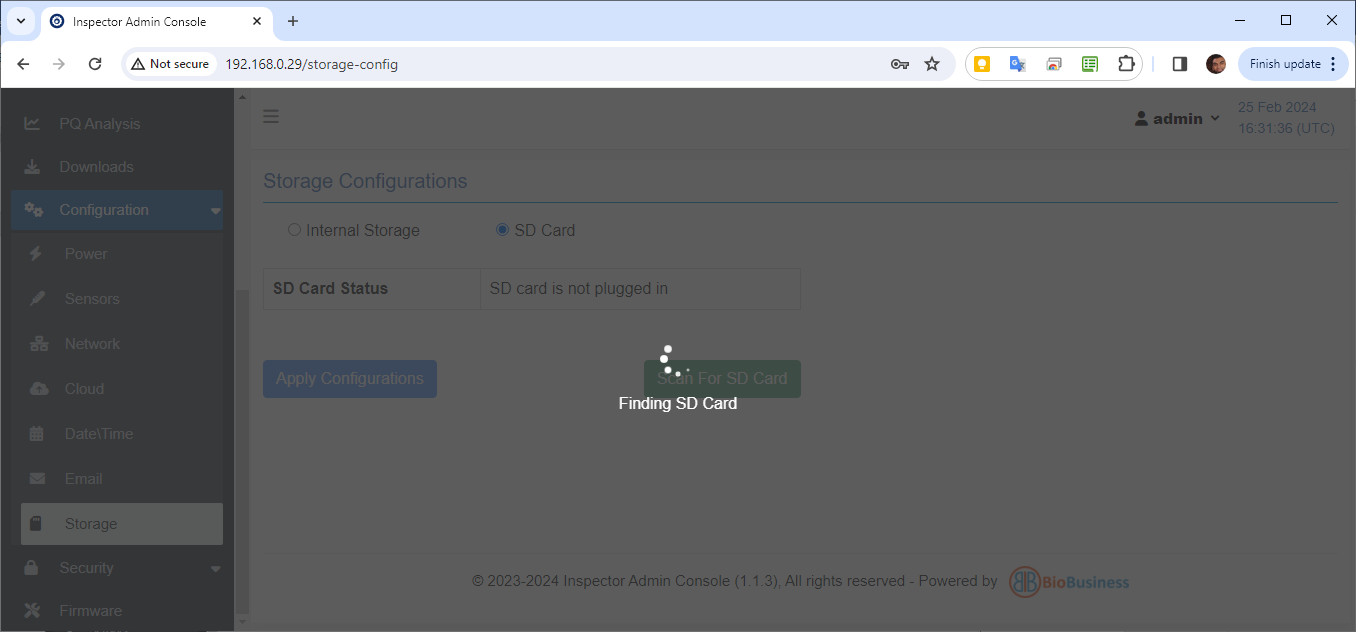
- If an SD Card is connected, card info is displayed as shown below:
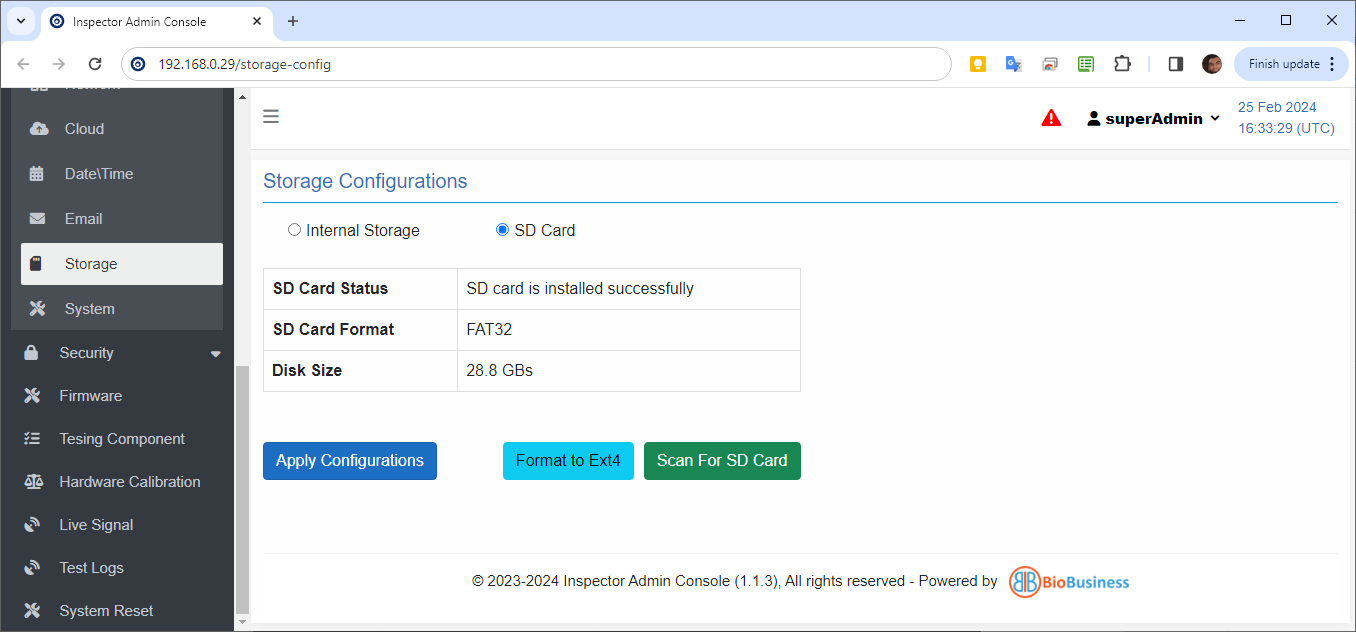
- Format the SD card to EXT4, other formats are not supported.
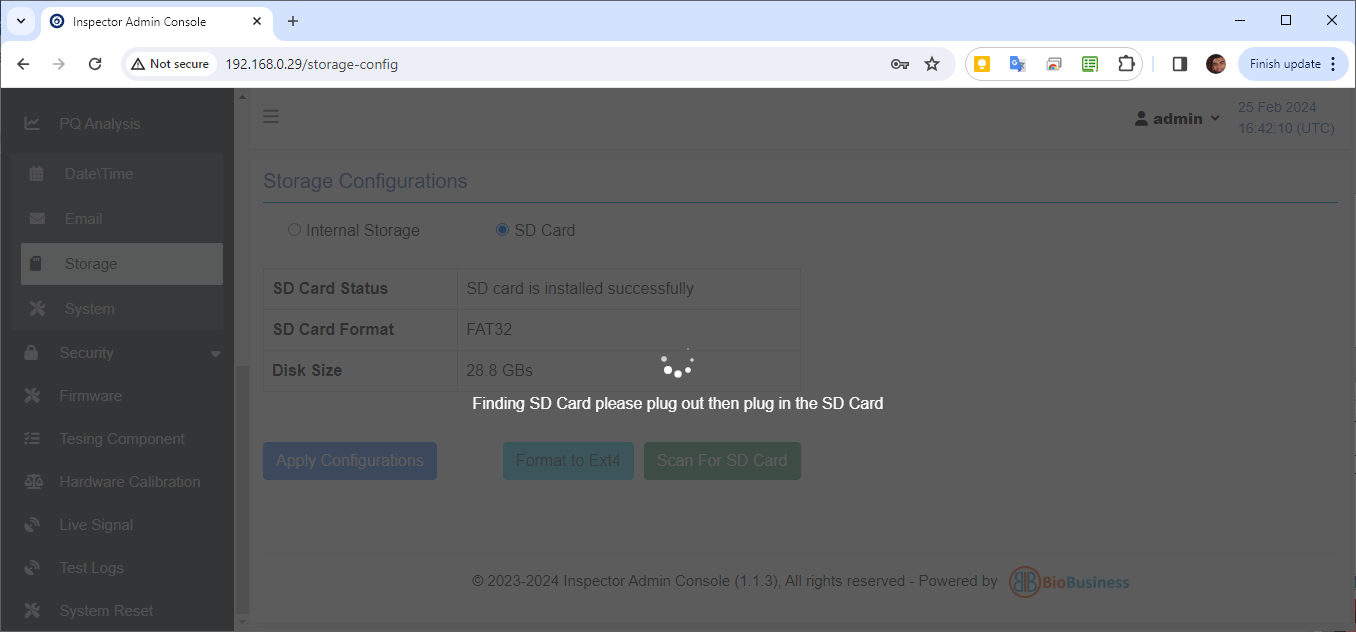
- Unplug and re-plug the SD card to complete mounting.
- Click "Apply Configurations" after SD card is successfully mounted.
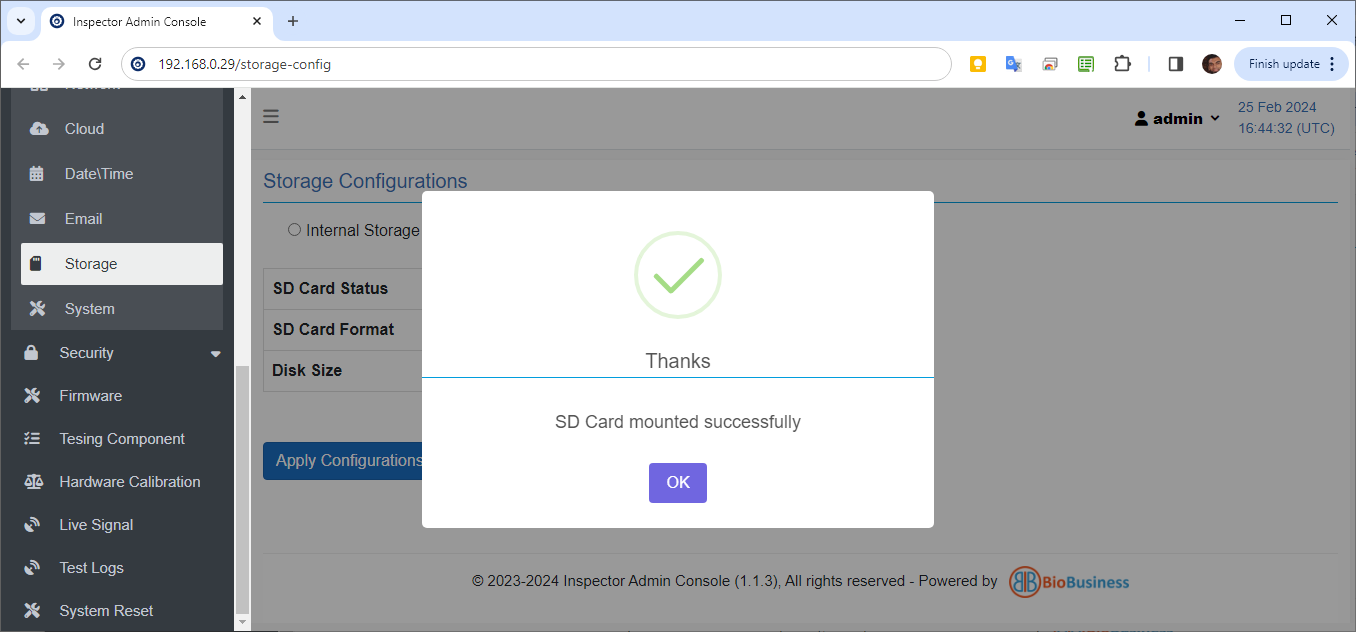
Note: If the Apply Configuration button is not selected, Inspector continues writing to the internal storage.
The SD card formatting and mounting are not reverted, and the SD card remains formatted as EXT4 and mounted to the system.
Created with the Personal Edition of HelpNDoc: Easily share your documentation with the world through a beautiful website