
Manage Subscription Renewals Page
This page is responsible for selecting sites going to be deactivated to be renewed, as declared in Inspector™ Cloud Subscription page.
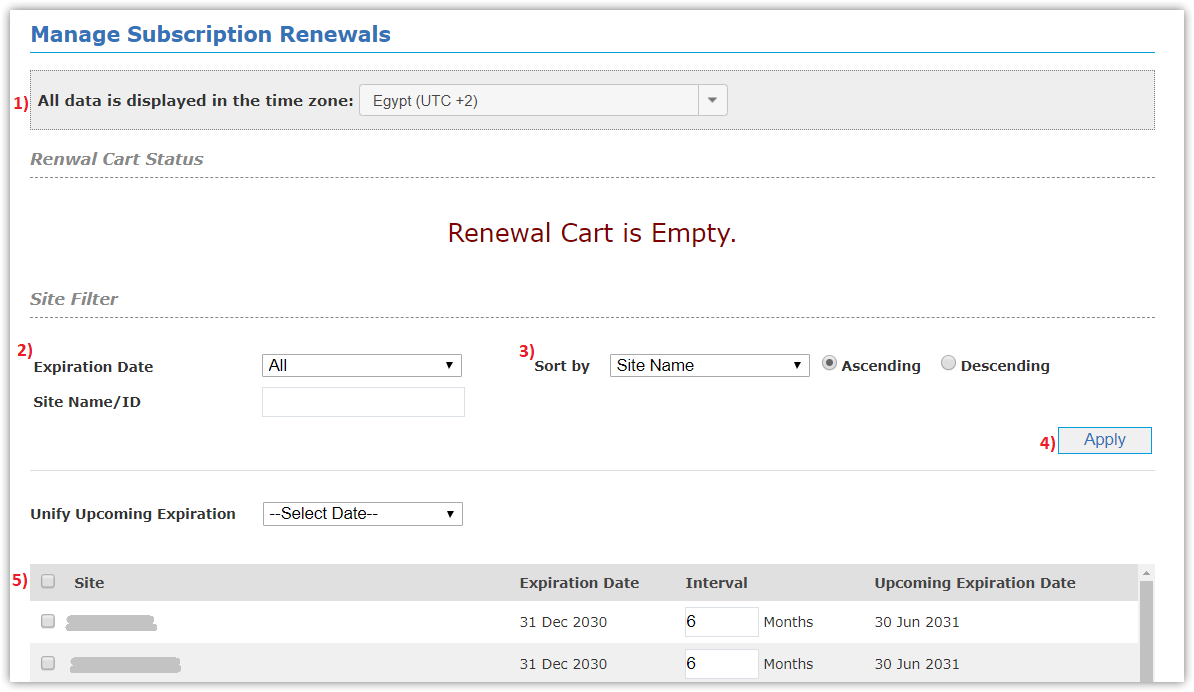
you can select sites to be added to Renewal Cart for updating subscription, as following:
- Select Time Zone.
- Select field to filter by (Expiration Date, Site Name/ID).
- Sort sites (Ascending, Descending) by:
- Site Name
- Expiration Date
- Creation Date
- First Run Date
- Click Apply button to get sites with its (Expiration Date, Interval, and Upcoming Expiration Date).
- Select Sites to add to cart.
- you can select another renewal interval (1:24)
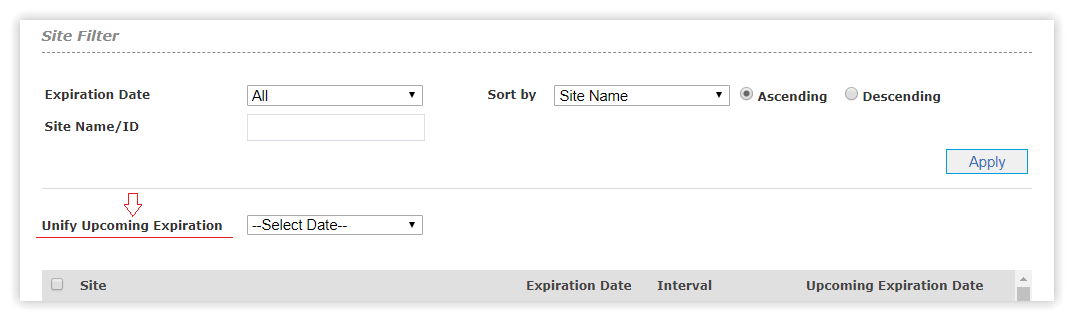
- Click Add to Renewal Cart button.
