My sites Section
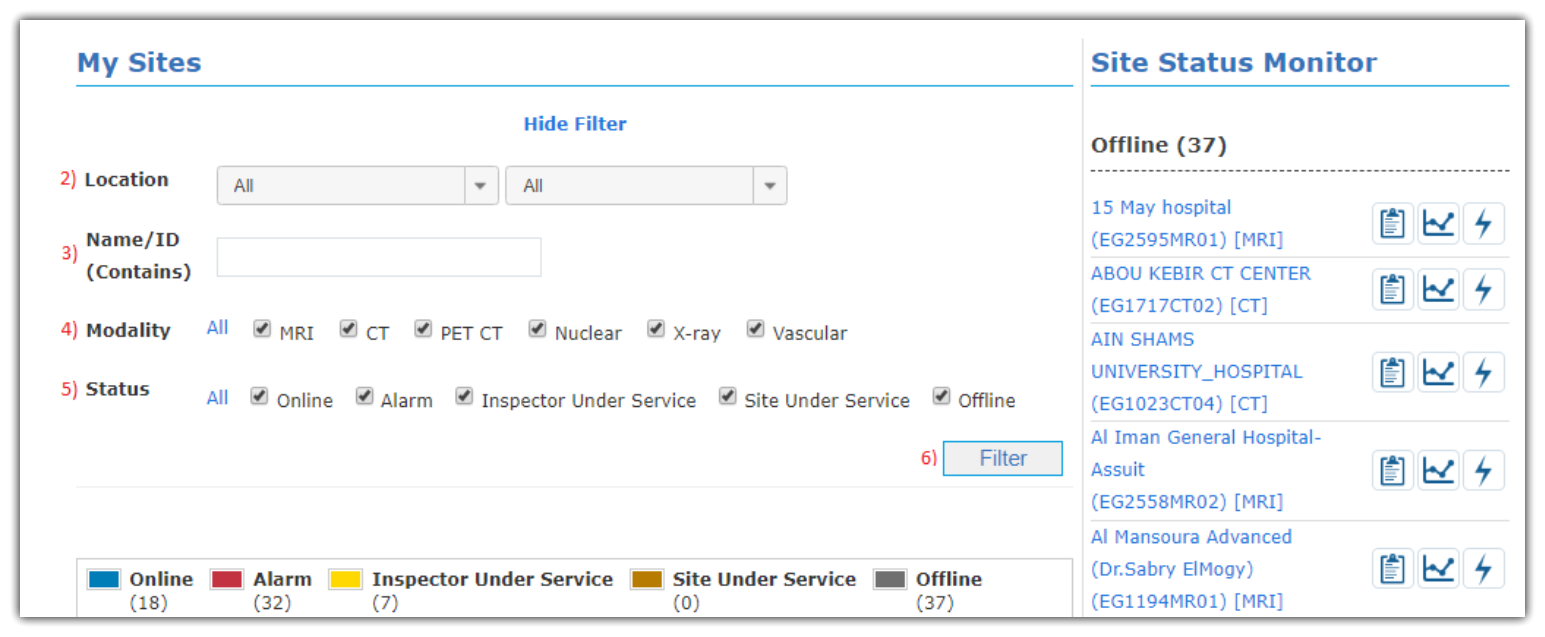
This page shows up only sites filtered by multiple options as following:
- Select your Country from countries list.
- Select specific Location or you can select All.
- Enter site’s Name/ID and you can also enter part of site name and part of ID for easier filtration.
- Select Modality type (MRI, CT, PET CT, Nuclear, X-ray, vascular or All).
- Select Status type (Online, Alarm, Inspector Under Service, Site Under Service, Offline or All) and they are declared in the following table with colours they appear with.
- Click Filter button to get sites with those filtration types.
Status |
Declaration |
Online |
Inspector is running and connected to Internet. |
Alarm |
Inspector is running, connected to Internet and has one or more active alarms. |
Inspector Under Service |
Inspector is under maintenance (readings may not be relevant and alarms are DISABLED). |
Site Under Service |
Site in which Inspector is installed, is under maintenance (readings may not be relevant and alarms are DISABLED). |
Offline |
Inspector is not connected to Internet (may be switched off or have connection issue). |
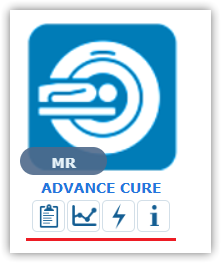
For sites filtered, you can get three pages (Current Readings, Trend Readings and Power Quality Events) and Site Info page below each site.