
Site Info Page
This page displays all (data, alarms, users and power devices) set during site creation in Create New Site page.
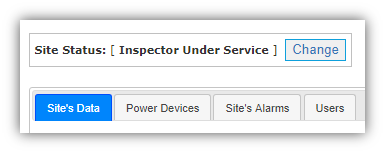
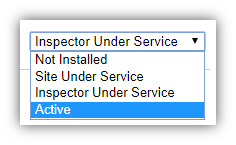
- Site Status helps to change the status (Not Installed, Site Under Service, Inspector Under Service or Active)
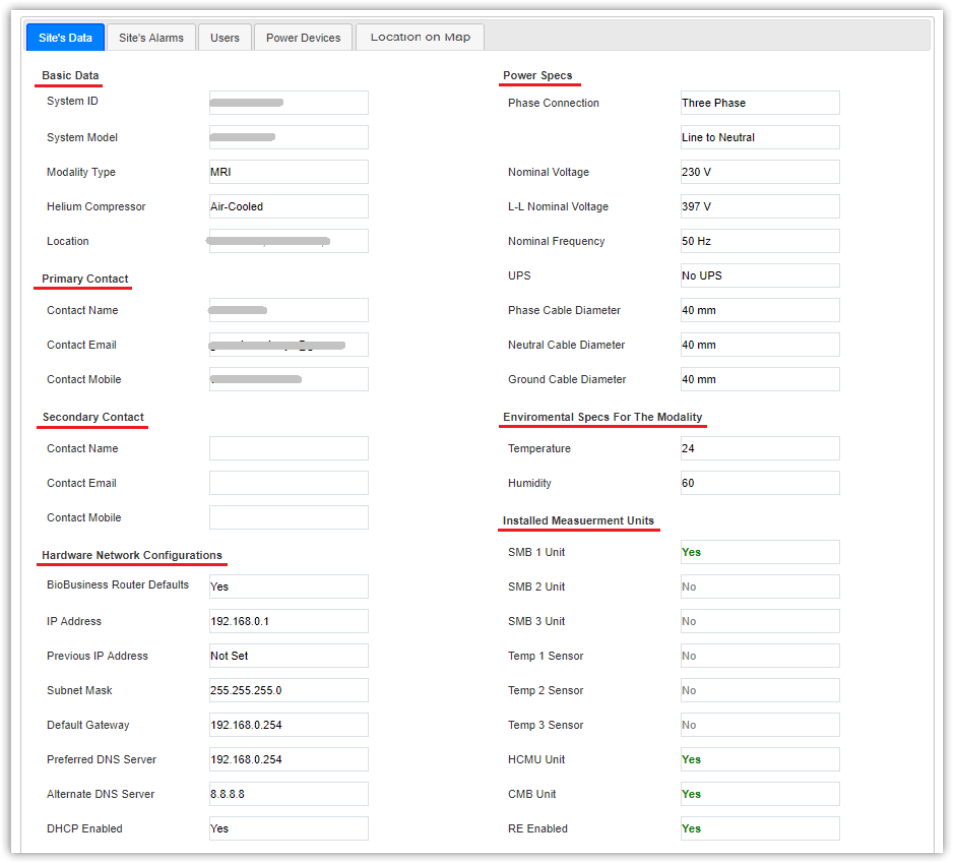
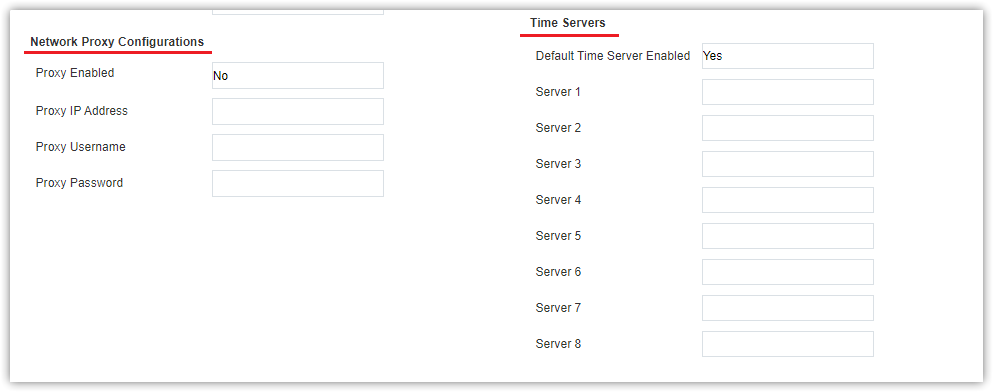
- Site’s Data tab displays (basic data, primary contact, secondary contact, power specs, environmental specs for the modality, installed measurement units, and network configurations including proxy configurations and time servers)
|
L-L Nominal Voltage field shall be displayed only in case of Three phase, L-N connection. |

- Site’s Alarms tab displays all alarms set according to power specs and installed measurement unit
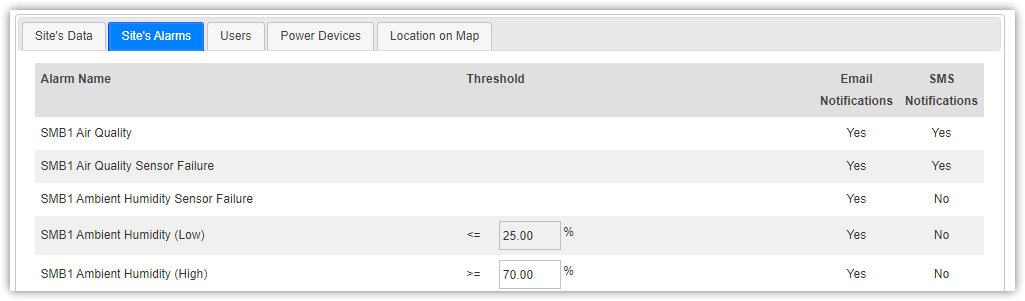
For more information about alarms behavior and custom conditions, check Alarms Service Process chapter.
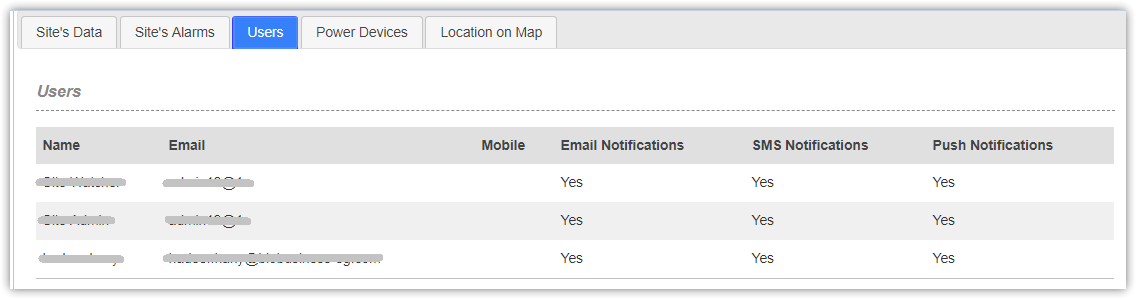
- Users tab displays user data including (name, email, mobile number and notification type) and you can get print user’s data
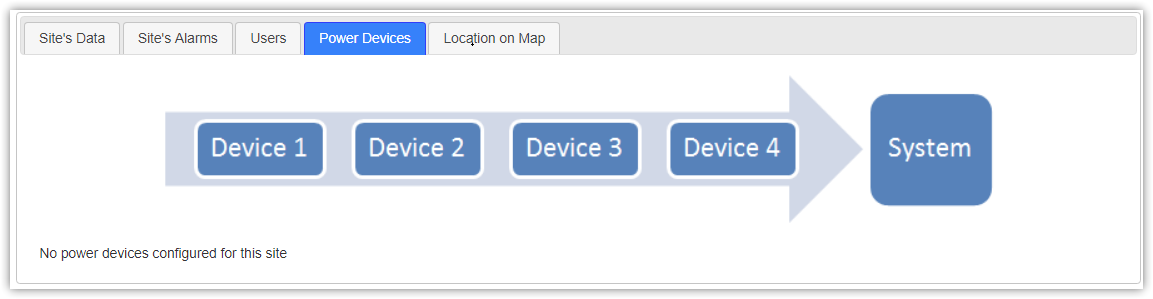
- Power devices tab which displays power devices configured
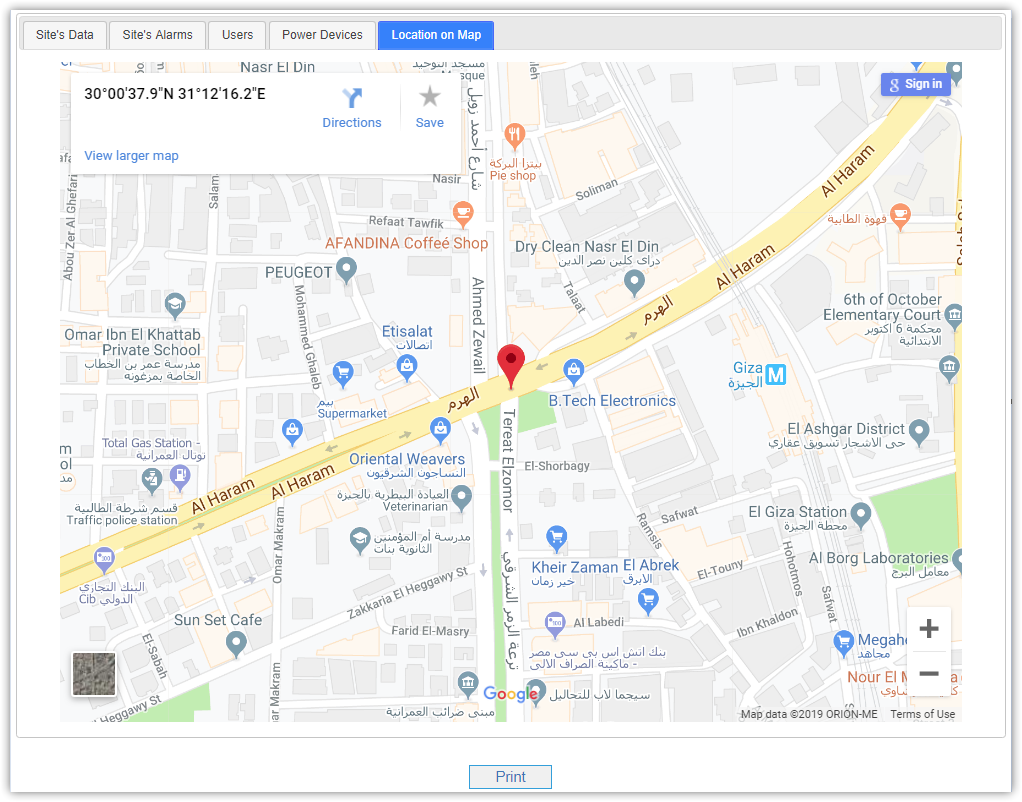
- Location on Map tab shows up site's location on google map
You can also generate (Excel,PDF and Word) reports for site's data and alarms.